
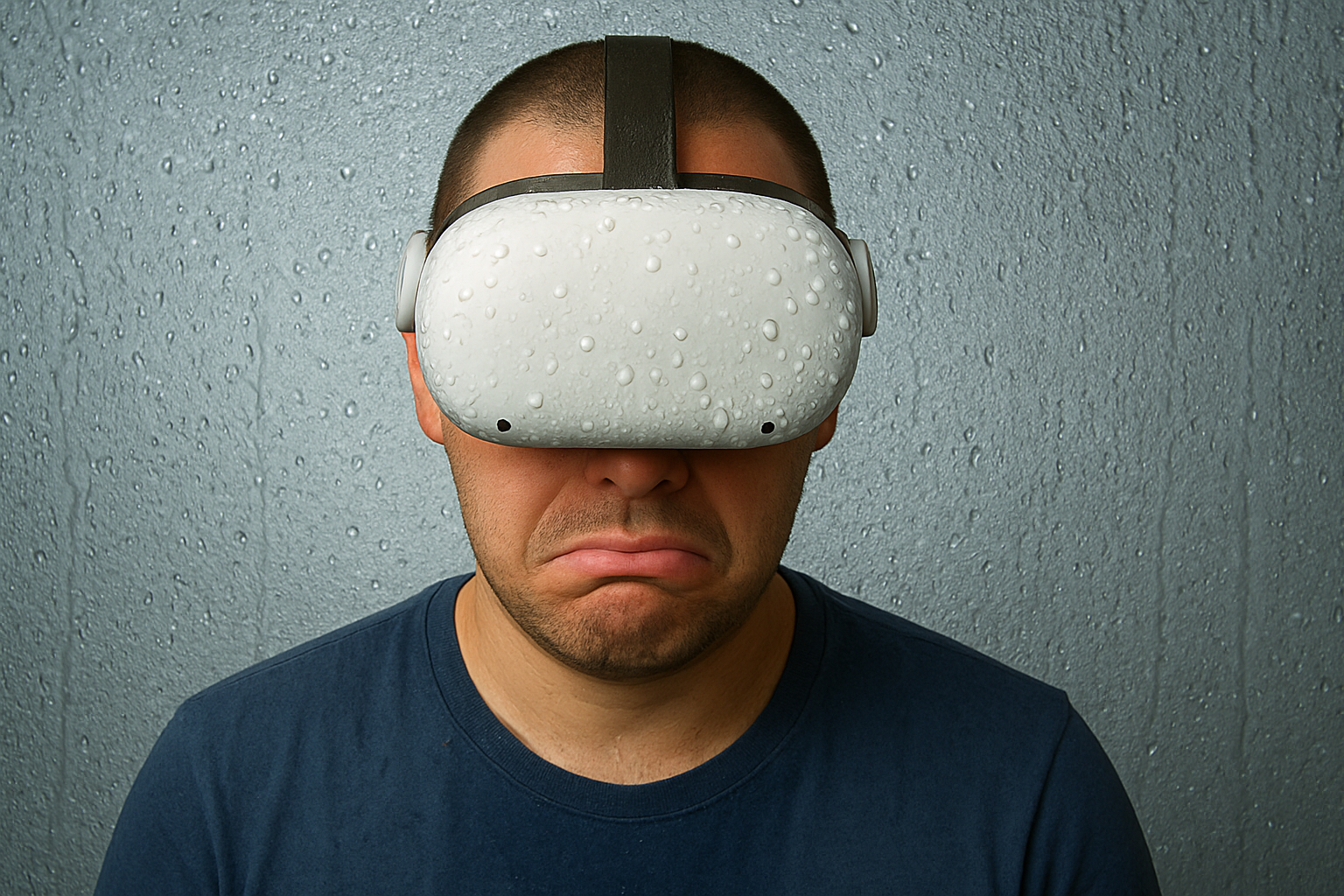
Stop VR Lens Fogging
The dreaded lens fog. You’re deep into your fitness routine, almost finished, and suddenly your view clouds over. I usually hit pause, lean forward, and let air from my floor fan flow inside the headset. Then I’m ready to go again, but having to pause ruins your momentum. It’s incredibly annoying and instantly breaks immersion. It’s like driving a car when the windshield fogs up; it can feel disruptive, even dangerous. Both just need some cool air, which is why the fan trick works, but is it worth the interruption? Honestly, it kills the vibe of your entire routine.
I started looking for ways to stop VR lens fogging because it ruined so many workouts. After two years of VR fitness and a lot of experiments in the mad scientist lab, I finally have real answers.
Today, I’ll explain why fogging happens, share what I’ve learned, and show you what does and doesn’t work. Welcome back to the Mad Scientist Lab, where I run VR experiments so you don’t have to, and so you can have a great VR experience. Let’s break it down.
Why VR Lens Fogging Is Worse During Fitness Workouts
Most VR lens fogging guides are written for casual users. Someone watching a movie or playing a slow game. That is not us.
VR fitness is a completely different situation. You are boxing, dodging, lunging, sweating hard for 30 minutes straight. Your body temperature spikes fast. Your breath is heavy. The headset is sealed tight against your face.
The result is a perfect storm for VR lens fogging. More heat, more moisture, less airflow.
Understanding this is important because the fix for a casual user is not the same fix for someone doing VR boxing at full intensity. What works for them might barely make a dent for you.
Here is what actually works for fitness specifically.
Stop VR Lens Fogging: How to Keep Your Headset Clear During Workouts
Fogging occurs when sweat and heat build up under the tightly sealed headset during intense movement, like boxing, dancing, or cardio. This creates a temperature and humidity difference between the inside of the headset and the cooler lenses, causing condensation to form. Basically, if your lenses are fogging, you’re probably doing a great job with your workout. You’re huffing and puffing, but the fog is a real pain.
Some design aspects of the Quest 2 contribute to the problem: the snug foam interface seals fully around your face, and the lenses sit close to your eyes. All that heat and moisture stays trapped inside with nowhere to go, leading to fogged lenses. This is the number one issue I see with fitness apps, it totally kills the vibe.
Real-World Stories / What Users Say (and What I Experienced)
As a regular in virtual boxing rings, I know the fogging struggle intimately. There I am, in the middle of a Supernatural rhythm flow, and my world suddenly goes milky. Momentum shattered, I’m forced into an awkward dance: pausing the session, tipping my head forward, and waiting for the air to clear.
In my Supernatural VR Facebook community, this is a weekly lament, posts pop up asking, “How do I stop the fog? It’s destroying my flow and my scores!” The collective frustration is real.
Well, I’ve taken those cries back to the lab. Between sessions, I clean my lenses with a microfiber cloth, it helps, and I use a sweat-absorbing face band (yes, a “face panty”) to keep moisture from my forehead. I’m part of a Facebook community for Supernatural VR, and at least once a week someone posts, “What can I do about lens fogging? It’s ruining my score, HELP!”
Well, I’ve been listening, and my Mad Scientist Lab is open for you all. The experiments continue.
Tried & Tested Solutions, What Helped Me (and Others)
Okay, let’s deep-dive into what I’ve tried, what’s helped, and what I still want to test.
Ventilation / Airflow:
Use a small fan blowing across you (placed safely so you won’t hit it), or consider an open-air/vented facial interface for your headset. My go-to is a basic floor fan from Amazon, tilted upward. For now, this is my best solution.
The Best Solution I Found (And It Costs Almost Nothing)
After testing everything, the single most effective solution I found is also the cheapest. Keep your room cool and point a fan directly upward toward you while you play. That’s it. I still take the headset off occasionally to wipe the cover, but since I started doing this consistently the fogging dropped dramatically. No fancy attachment, no spray, no special cover. Just a cool room and a cheap floor fan aimed at your face. Sometimes the simplest fix is the best one.
The Nose Bridge Gap Trick:
This one costs nothing and works surprisingly well.
When VR lens fogging gets bad mid-workout, I create a tiny gap at the nose bridge of the headset. Just enough to let the fan air flow in from the bottom. It is not glamorous but it works instantly.
Here is how to do it. While wearing the headset, gently loosen the bottom of the face cushion just slightly at the nose area. Point your fan upward toward your face. The cool air flows in through that small gap and pushes the warm moist air out.
No attachment needed. No extra purchase. Just physics.
I discovered this by accident during an intense boxing session and now it is part of my standard routine when things get steamy in the lab.
Sweat-Proof / Wipeable Covers:
Replace the stock foam with silicone, PU-leather, or similar covers. They’re better for hygiene and easier to clean after sweating. I use microfiber cloths to clean the lenses, covers, and even my forehead during extra-sweaty sessions.
Strategic Breaks:
Take short pauses to let the headset air out, and wipe the lenses with a microfiber cloth (never a t-shirt, to avoid scratches). I sometimes lean forward periodically to let fresh air inside. I’ve also experimented with placing a small cloth under the nose bridge to create a tiny gap for airflow during boxing.
Pre-Workout Routine:
Warm up a bit before intense movement to minimize the shock of temperature and humidity change. Starting with lighter activity helps reduce initial condensation and is safer for your body, preventing injuries.
Sweat Absorption:
A sweat-absorbing face band (or “face panty”) helps a lot by catching forehead moisture before it evaporates toward the lenses. I always wear one, but I still recommend using a fan alongside it.
What Didn’t Work (or What to Avoid)
- Relying solely on the stock foam interface and strap for sweaty workouts.
- Wiping lenses with rough cloths or shirts, this risks scratches. Always use microfiber.
- Jumping straight into high-intensity workouts while already sweating, this can cause immediate fogging.
- Assuming a one-size-fits-all solution. Room temperature, sweat rate, ventilation, and workout intensity all vary.
- The “kid’s shampoo trick” applying a drop to each lens did not work in this mad scientist’s lab. I tried it twice. Both times the VR lens fogging came back within minutes of intense movement.
What About the BoboVR Fan Attachment?
I get this question a lot in the Supernatural VR community. People want to know if the BoboVR fan attachment solves VR lens fogging for good.
Honest answer: I have not tested it personally yet. But based on community feedback it gets excellent reviews specifically for fitness users. The built in fan actively pulls warm air away from your face which directly addresses the root cause.
My take: if you are doing long intense sessions daily and the floor fan trick is not cutting it, the BoboVR fan attachment is probably worth the investment. For me personally, keeping sessions to around 30 minutes and using a floor fan has eliminated the problem completely. I have not needed it.
But if you have tested it, drop your experience in the comments. The lab is always collecting data.
My Recommendation to stop VR lens fogging when you are in a Workout Setup (Checklist)
- Vented, sweat-proof facial interface (silicone or wipeable). For extra airflow, try leaving a small space under the nose bridge with a folded tissue or some kind of cotton ball.
- Microfiber cloth on hand, with a cleaning routine after each session. Wipe down the headset at least every 30 minutes during use.
- Airflow aid: A floor fan angled upward toward you.
- (Optional) Sweat-absorbing headband or face towel worn underneath the headset.
- For long sessions: Break your workout into intervals to let the headset air out. Periodically lean toward the fan to draw in fresh air.
- Storage: Keep the headset clean and dry when not in use, store it in a dry, shaded place.
In short, VR lens fogging is a common frustration in VR fitness, but with the right gear and habits, you can minimize it. The next item on this mad scientist’s lab bench is the BoboVR fan attachment, I suspect it might be the ultimate fix. But before making any big purchase, I encourage you to try the floor fan, consistent gear wipe-downs, and a sweat-absorbing face band.
Now, I’d love to hear your own fogging experiences and tips in the comments. Have you concocted your own solution in your personal mad scientist lab? Share your discoveries!
Ultimately, VR lens fogging happens during extreme activity like VR boxing, or in certain climates. Who knew a basic principle of physics could cause so much disappointment?
Here are a few items I’ve tried to combat fogging:
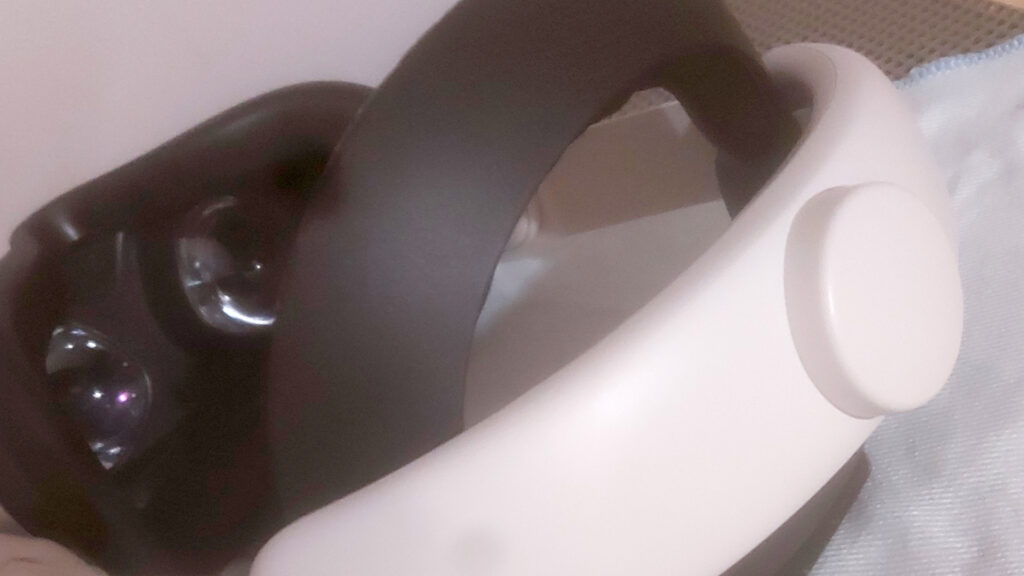
Kiwi Head Strap: Allows you to slightly loosen the fit for easier airflow.
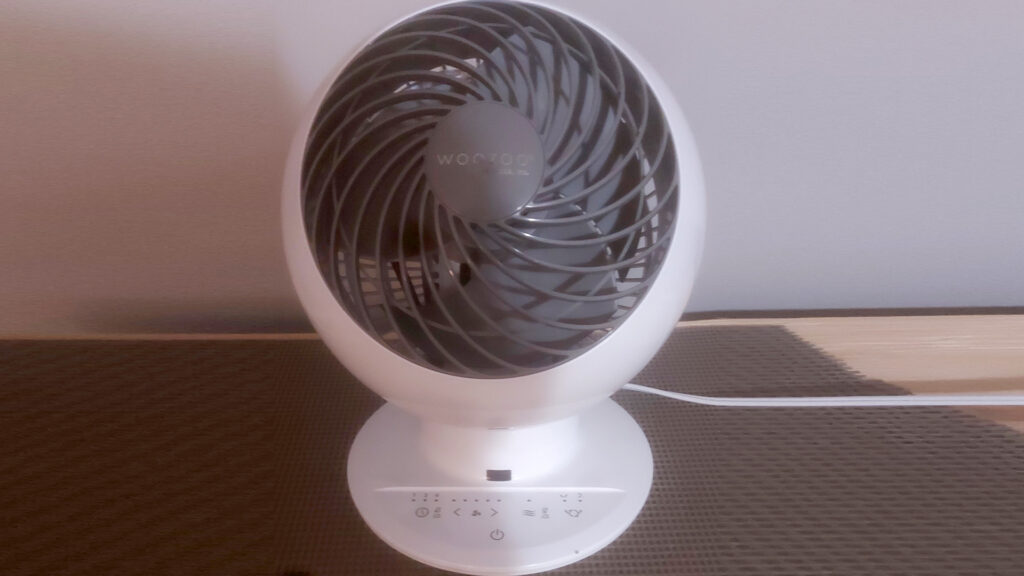
Basic Pivoting Floor Fan: Angled upward.
Microfiber Cloths: Essential.
BoboVR Fan (Pending Testing): I haven’t tried it yet, but it gets excellent reviews in my community.
VR lens fogging is annoying but completely solvable. Start with the free fixes first, cool room, floor fan, nose bridge gap trick. If those do not fully solve it for you, then consider the BoboVR fan attachment. If you are looking for a great VR fitness app to sweat in, check out my best Supernatural alternatives.
AFFILIATE DISCLOSURE:
A quick word from our sponsors (aka, my wallet): As an Amazon Associate, I earn from qualifying purchases. This means if you click a link on my blog and buy something, I may earn a small commission at no extra cost to you. I only recommend products I personally own, use, and love. If I recommend a product I haven’t personally tested, I will always clearly state that. Transparency is key, both in fitness and in business.
1 thought on “Why Your Quest 2 Lenses Keep Fogging Up, And How to Fix It”