
Affiliate Disclosure: This post contains affiliate links. I may earn a small commission at no extra cost to you. I only recommend products I personally own and use.
I bought a first-person shooter game for my Quest 2. I was excited. The trailer looked amazing. You play a soldier in a kayak, drifting down rivers while shooting enemies. Cool concept, right? Let me introduce VR motion sickness.
The moment the game started moving while my body stayed still, everything went sideways.
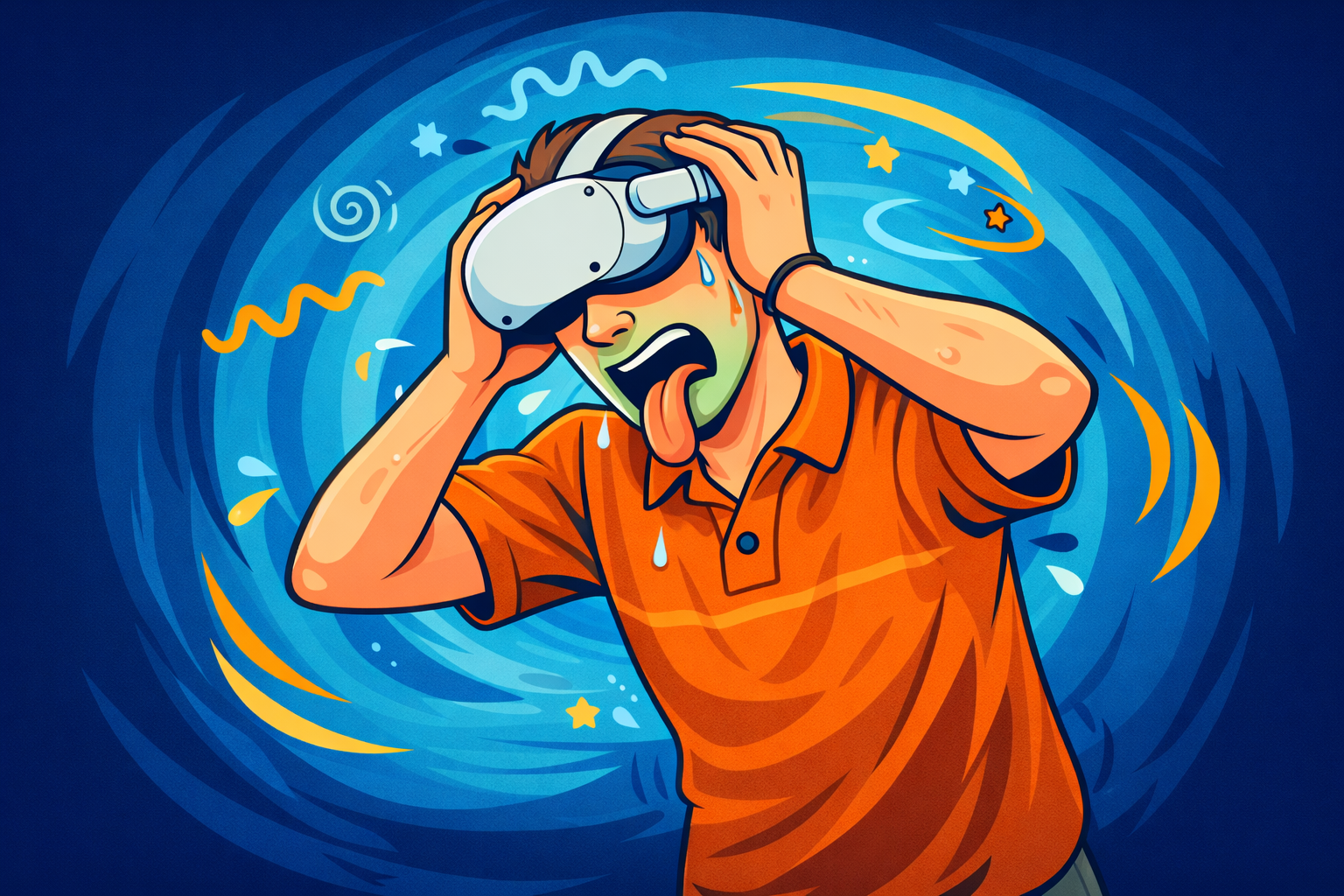
Within the first 10 minutes, a light sweat started. Then it hit me like a ton of bricks. Dizzy. Nauseous. Sweating. I ripped the headset off and had to lie down for almost an hour before I felt normal again.
That game is still sitting in my library untouched.
If this sounds familiar, you are not alone. VR motion sickness is one of the most common struggles for new VR users. And honestly, a kayak in VR space? What was I thinking.
Will the Beaver will also chime in, because every good VR lesson needs a calm beaver reminding you to breathe.
What Is VR Motion Sickness?
VR motion sickness happens when your brain receives conflicting information. Your eyes see motion inside the headset. You are walking, flying, or paddling through a virtual world. At the same time, your body remains completely still.
Your inner ear notices there is no real movement. Your brain ends up juggling two different signals at once and does not know which one to trust. That confusion causes nausea, dizziness, sweating, or a heavy feeling in your gut.
An easy way to picture it. You see yourself moving forward in the game but your legs never move. To your brain, that feels suspicious. Similar to standing on a boat in rough water while staring at a still horizon.
This reaction is normal. Very common. And it can get better.
Will says: Your brain is not broken. It is just trying to keep you safe.
The Warning Signs to Watch For
Your body gives you signals before it gets overwhelming. The key is catching them early.
Watch for sudden sweating when you are not exercising, dizziness or lightheadedness, mild nausea, a heavy feeling in your head, and feeling off balance after removing the headset.
When I felt the first beads of sweat during the kayak game I ignored them. That was a mistake. Within seconds the nausea hit hard. Do not push through it. Your brain is trying to protect you.
Will says: If your headset suddenly feels heavier than usual, that is your cue.
5 VR Motion Sickness Tips That Actually Helped Me
- Use teleport movement not smooth locomotion
This was the biggest fix for me. Many VR games offer a teleport option where you point where you want to go and instantly appear there. No smooth movement means no sensory conflict. For games without teleport, I simply do not play them. I skip the kayak and stick to VR boxing and golf. No issues. No regrets.
- Turn on all comfort settings
Most headsets have built in comfort options. Vignette darkens the edges of your view during movement. Snap turning replaces smooth spinning. Reduced field of view while moving lowers intensity. Turn them all on when starting out.
- Start with short sessions
10 to 15 minutes max when you are new. Take the headset off and rest. As your comfort improves, slowly increase the time. Your brain needs time to adapt and it will if you give it the chance.
- Fan in your face and lie down if it hits
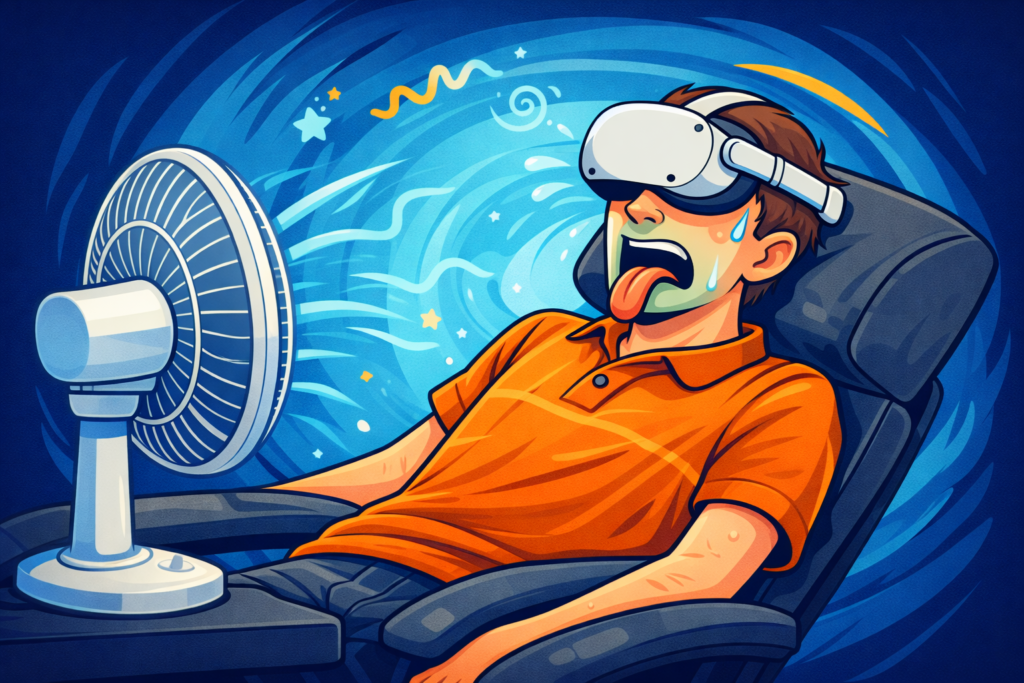
When VR motion sickness hits, stop immediately. Take the headset off. Lie down. Put a fan directly in your face. Drink some water. Close your eyes. It will pass. That extra minute I forced myself to play during the kayak game cost me an hour of recovery. Not worth it.
If symptoms linger, Gravol helped me personally. Always check with a doctor before taking anything. But for me it cut my recovery time significantly.
- Stick to stationary games when starting out
VR boxing, rhythm games, golf. These are all stationary experiences where your body and your eyes agree on what is happening. Start there. Build your tolerance. Then explore other types of games gradually.
I have been playing VR for two years now. I still only use teleport in games that involve movement through a virtual space. That is just how my brain works and I have accepted it. The kayak game stays in the library.
What To Do If You Are Just Starting Out
Start slow. Turn on every comfort setting available. Keep early sessions under 15 minutes. Stop at the first warning sign.
Choose games that offer teleport movement. VR boxing apps like Supernatural, FitXR, Thrill of the Fight, and FunFitLand are perfect because you stay in one spot the entire time. No artificial movement. No sensory conflict.
Take breaks. Rest between sessions. Build tolerance gradually over a few weeks.
If symptoms hit, take the headset off and rest. That is not quitting. That is smart VR use.
Will the Beaver approves this message and reminds you that even beavers choose calm water sometimes.
Final Thoughts
VR motion sickness happens because your brain has not adapted yet. It is experiencing something completely new and switches into protection mode.
The good news is that with the right approach most people get over it. Teleport movement, comfort settings, short sessions, and a fan nearby. Those five things changed everything for me.
The kayak game taught me my limits. Now I stick to what works for my brain.
Listen to your body. That is the most important skill you can learn in virtual reality.
One more round. See you in the multiverse.
Check list for VR Set up
Quest 2, Quest 3 I have a QUEST2, but i think you can’t buy them new anymore, so i included the QUEST3 (eventually il have to do the switch too)
15lb Kettlebell (check current price)
5-minute physical warm-up helps mental warm-up too.
Micro-Fiber cloth (check current price)
Essential for cardio sessions. Clear lenses = better accuracy.
VR Head Strap (check current price)
More comfortable for 30+ minute workouts. Keeps headset clean.
Floor Fan (check current price)
Cooling down physically helps me cool down mentally.
Hope this helps, for you to pick out the right equipment for your teen.
Thank you for reading.